Find what you need in our searchable FAQ.
67 views | 0 Vote this question as useful. 0 Vote this question as not useful. | Last updated on Sep 11, 2026 Library Primo
Visit Primo and Sign in. Locate the book.
Go to Find & Request. Click Request: 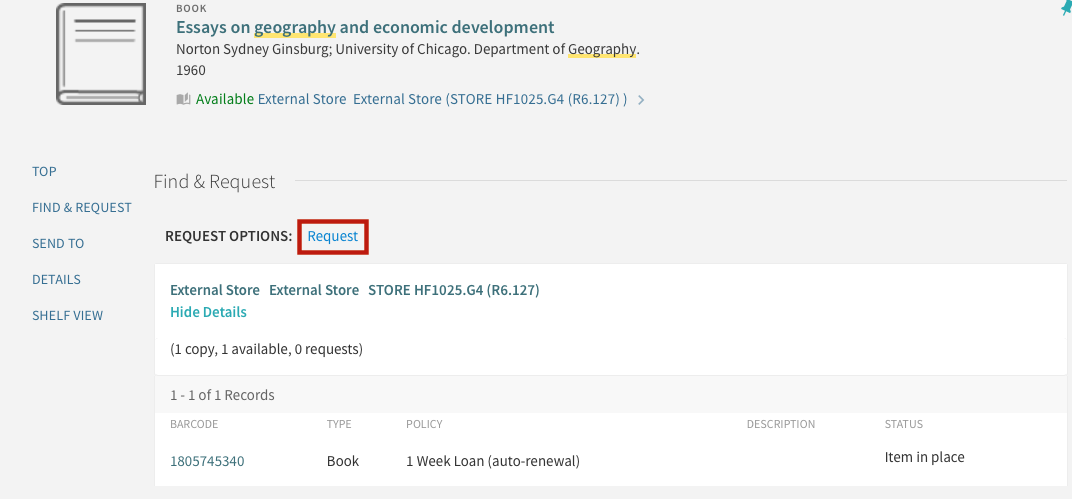
If there is more than one volume of a book/journal, click Request next to the volume you want. Fill in the details and click Request. 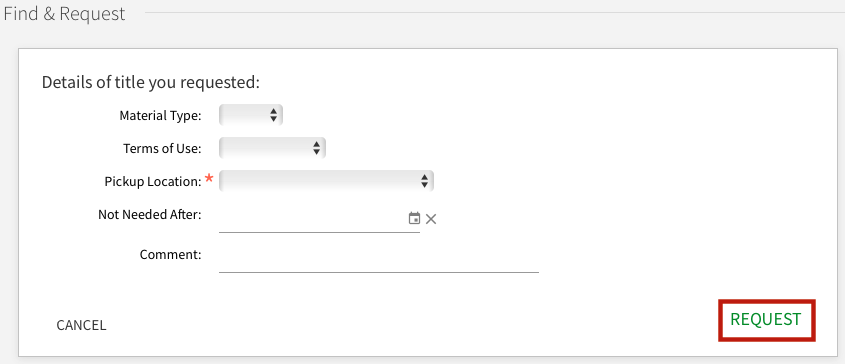
You will receive an email when your book is available for collection. Check on request progress on your Primo account.