Find what you need in our searchable FAQ.
228 views | 0 Vote this question as useful. 0 Vote this question as not useful. | Last updated on Sep 18, 2026 Library Primo
Visit Primo (primo.aber.ac.uk) and Sign in
Locate the book using the search
Go to Find & Request.
Click Request:
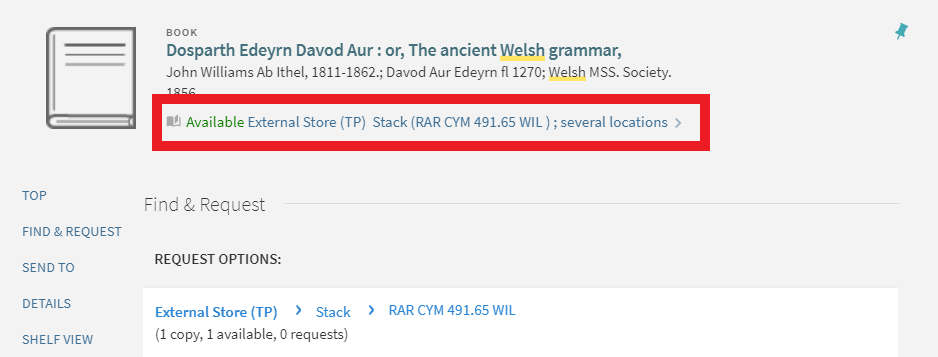
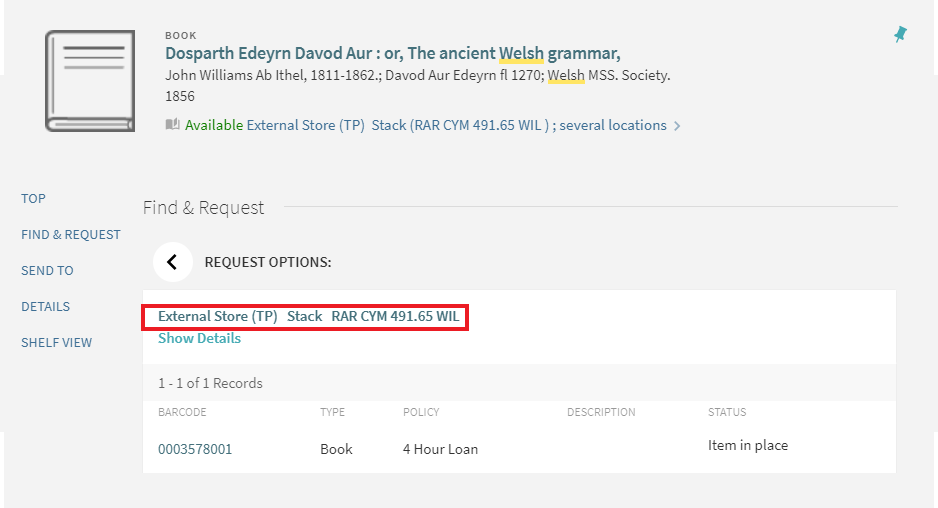
If there is more than one copy of the book you can click Specify Issue/copy and select the copy you want.
Select the appropriate pickup location. Rare books are not eligible for Inter-Site request and may only be consulted in the Libraries they are held in. They may not be borrowed.
Add any comments
Click Send Request
You will receive an email when your book is ready for viewing.
Visit the Enquiry desk in the Library where the book is held and you will be taken to the rare book viewing area. You may only take a notebook and pencil into the viewing room.