Find what you need in our searchable FAQ.
93 views | 0 Vote this question as useful. 0 Vote this question as not useful. | Last updated on Jul 28, 2026 Library Primo
Sign in to https://primo.aber.ac.uk Click on your name in the top right hand corner and choose My Loans: 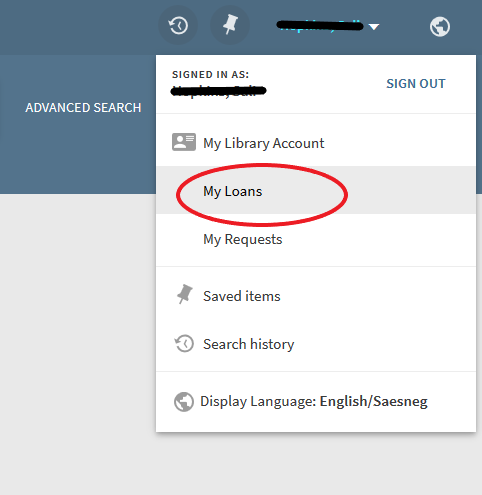
The Due date is listed in the information next to each item: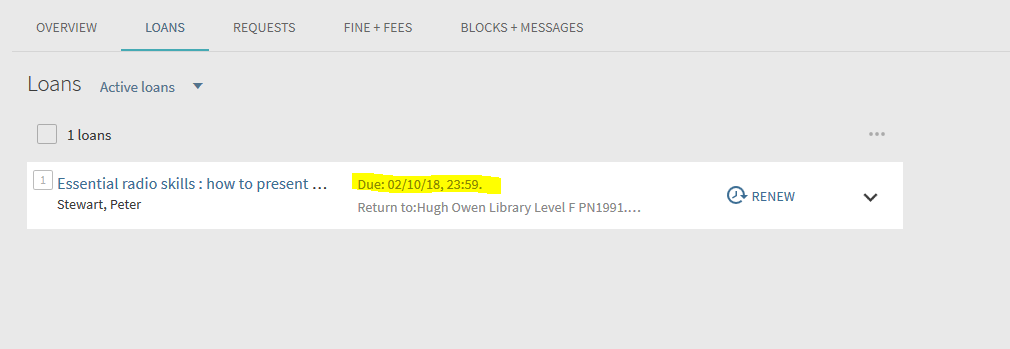
Your loans will automatically renew unless they are requested by another user, reach their maximum loan period or your library account comes to an end.