Find what you need in our searchable FAQ.
253 views | 0 Vote this question as useful. 0 Vote this question as not useful. | Last updated on Sep 19, 2026 Library Primo
Go to https://primo.aber.ac.uk/ and Sign in : 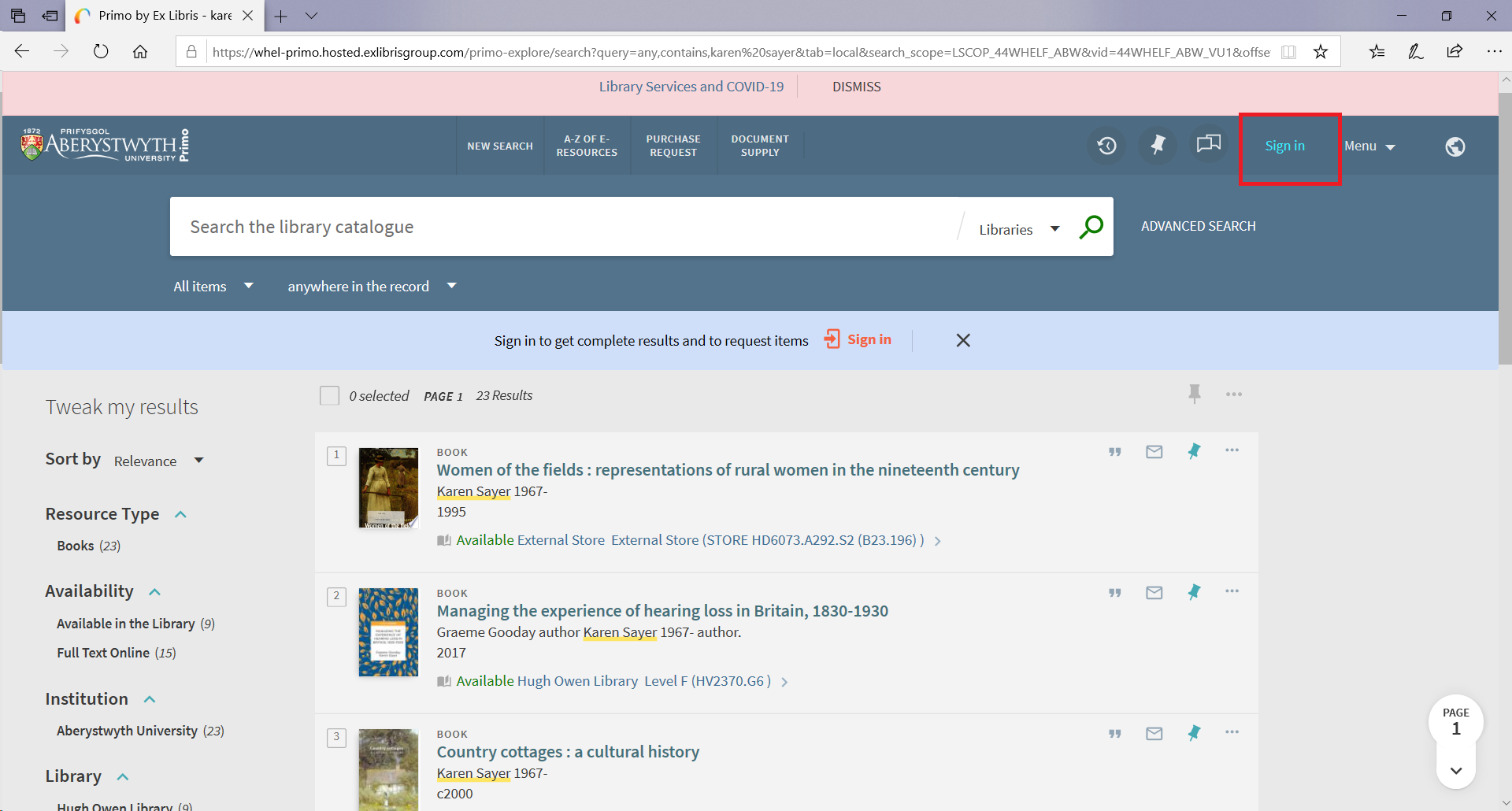 Search for the item you would like to borrow. If the item is currently on loan and no copies currently available, the record will specify:
If the item is available, the record will specify:  Click on the record to see the full details of the item Click FIND & REQUEST on the left hand side. Click REQUEST.
Fill in the details of the title you requested. If you require an accessible collection point, please specify in the comments field 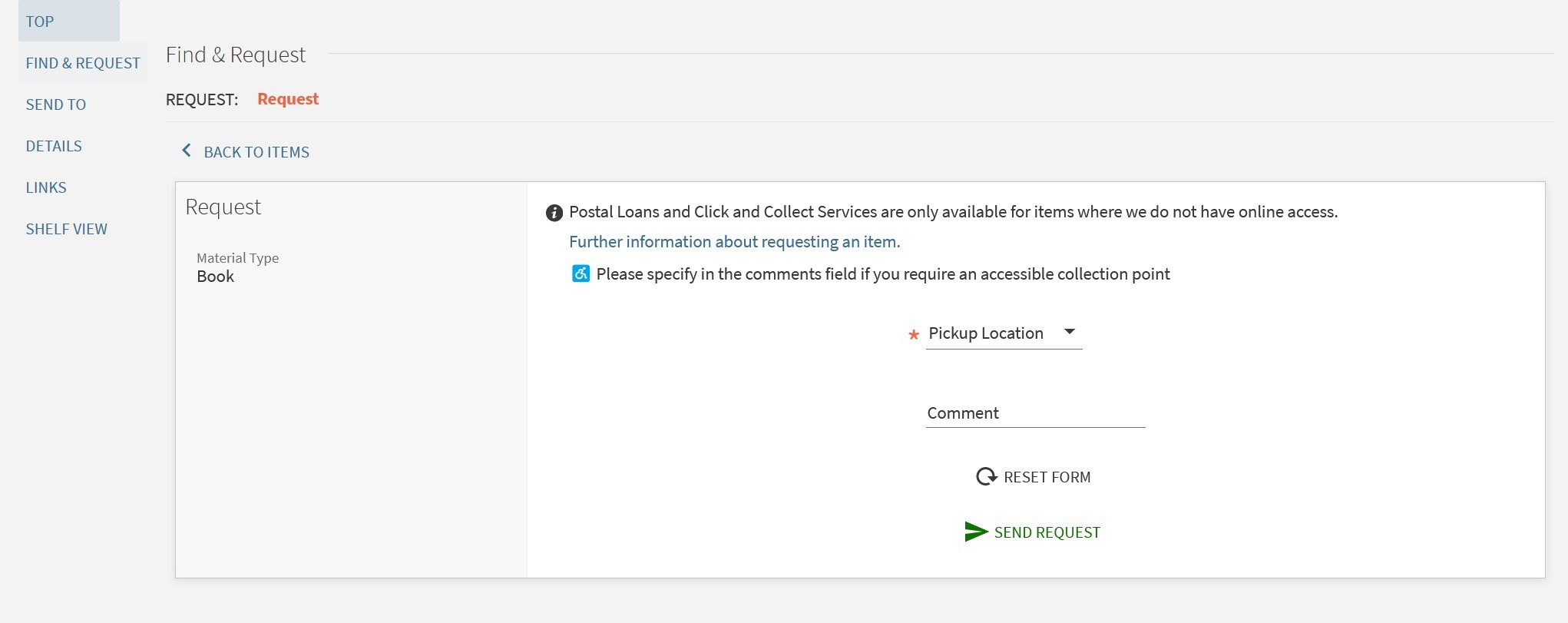 Click Request A confirmation message will be displayed. You will receive an email once your item is ready to collect.
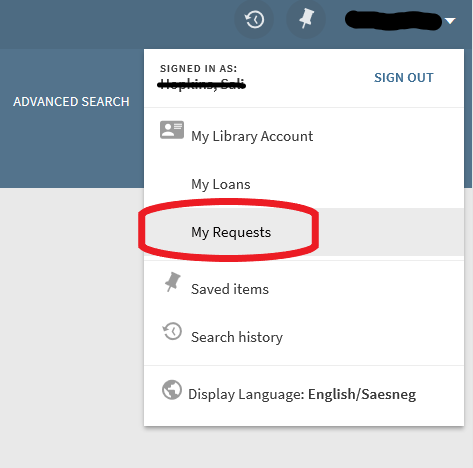
You can monitor your requests on your account by selecting 'My Requests' from the drop down menu: